
How to setup contentgrove tracking in GoHighLevel (GHL)
Learn how to install the contentgrove tracking snippet on GoHighLevel (GHL) to track video engagement and conversions. This guide will show you how to add the tracking code to your GHL funnels in a few steps.
Setup in GoHighLevel (GHL)
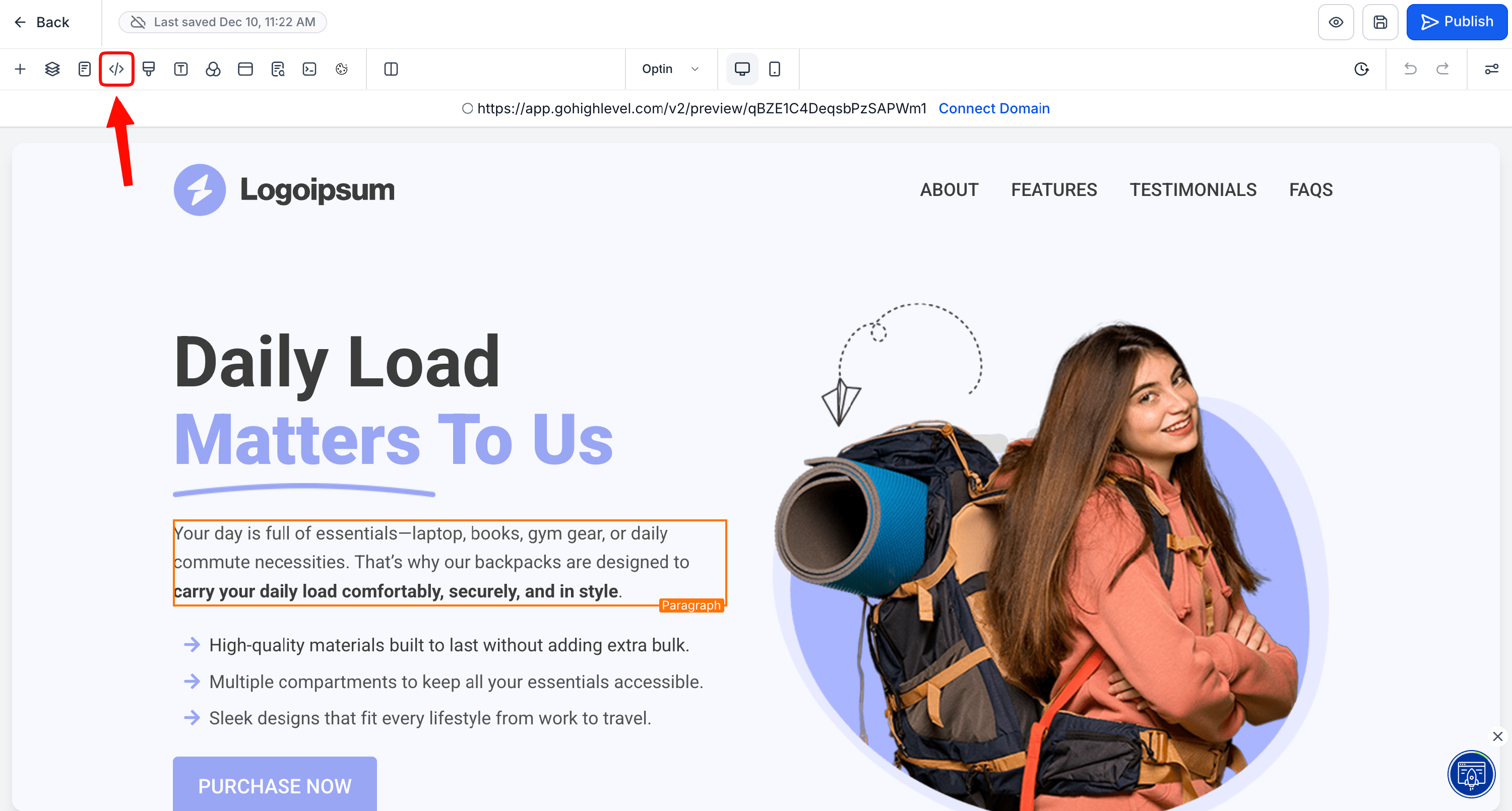
- Go to your funnel and click on "Tracking Code" in the left top corner
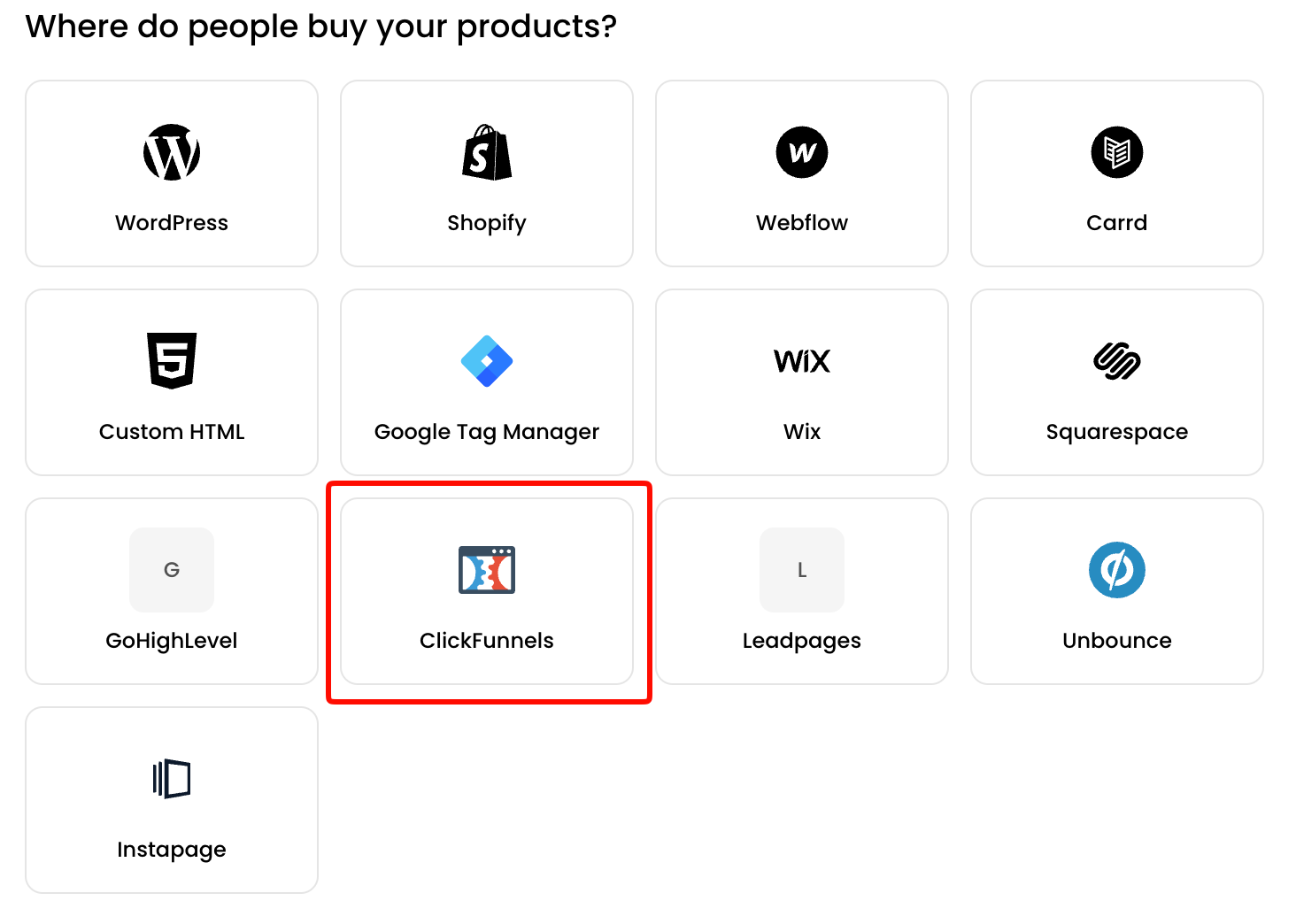
- Copy the tracking snippet for ClickFunnels from the contentgrove Settings
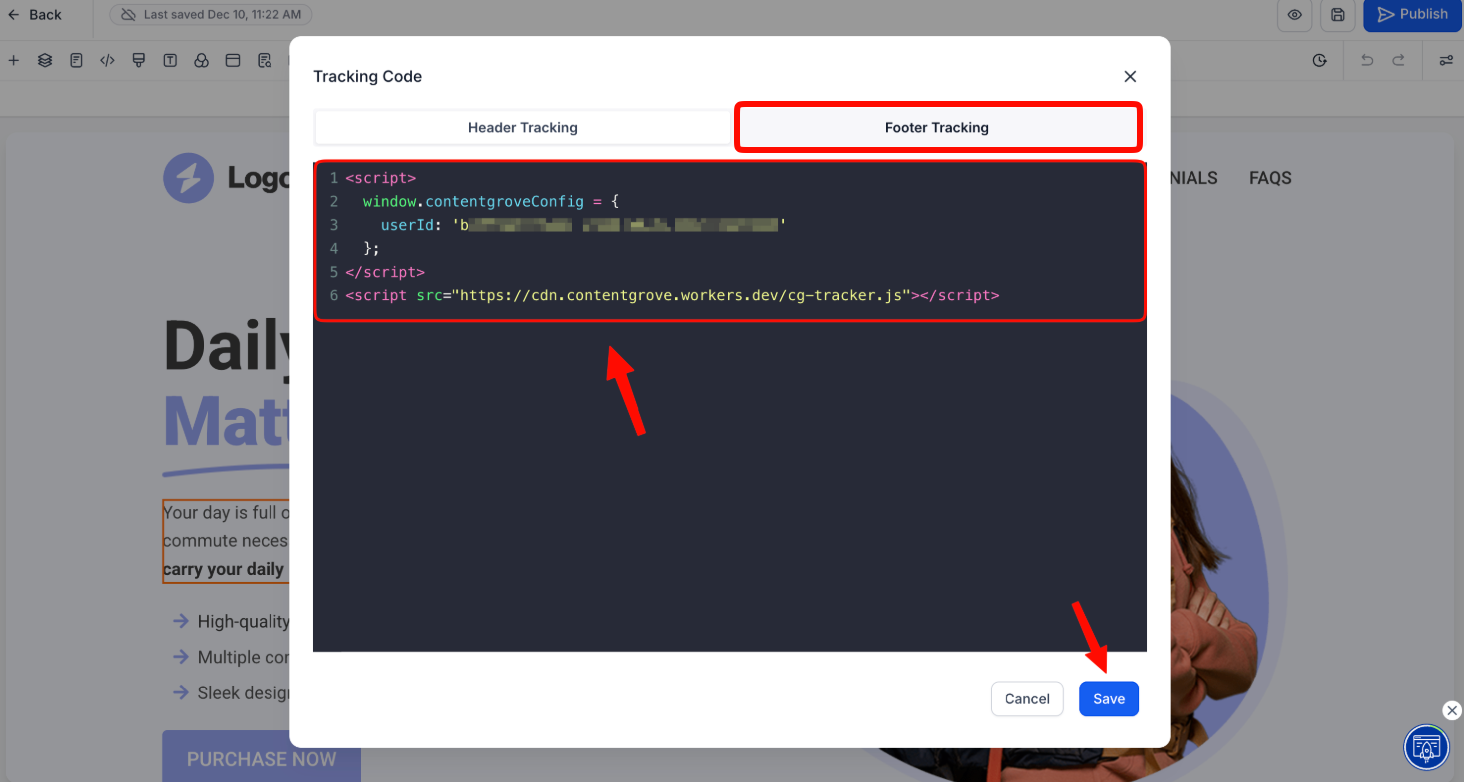
- Insert the tracking snippet in "Footer Tracking" Section and click on Save
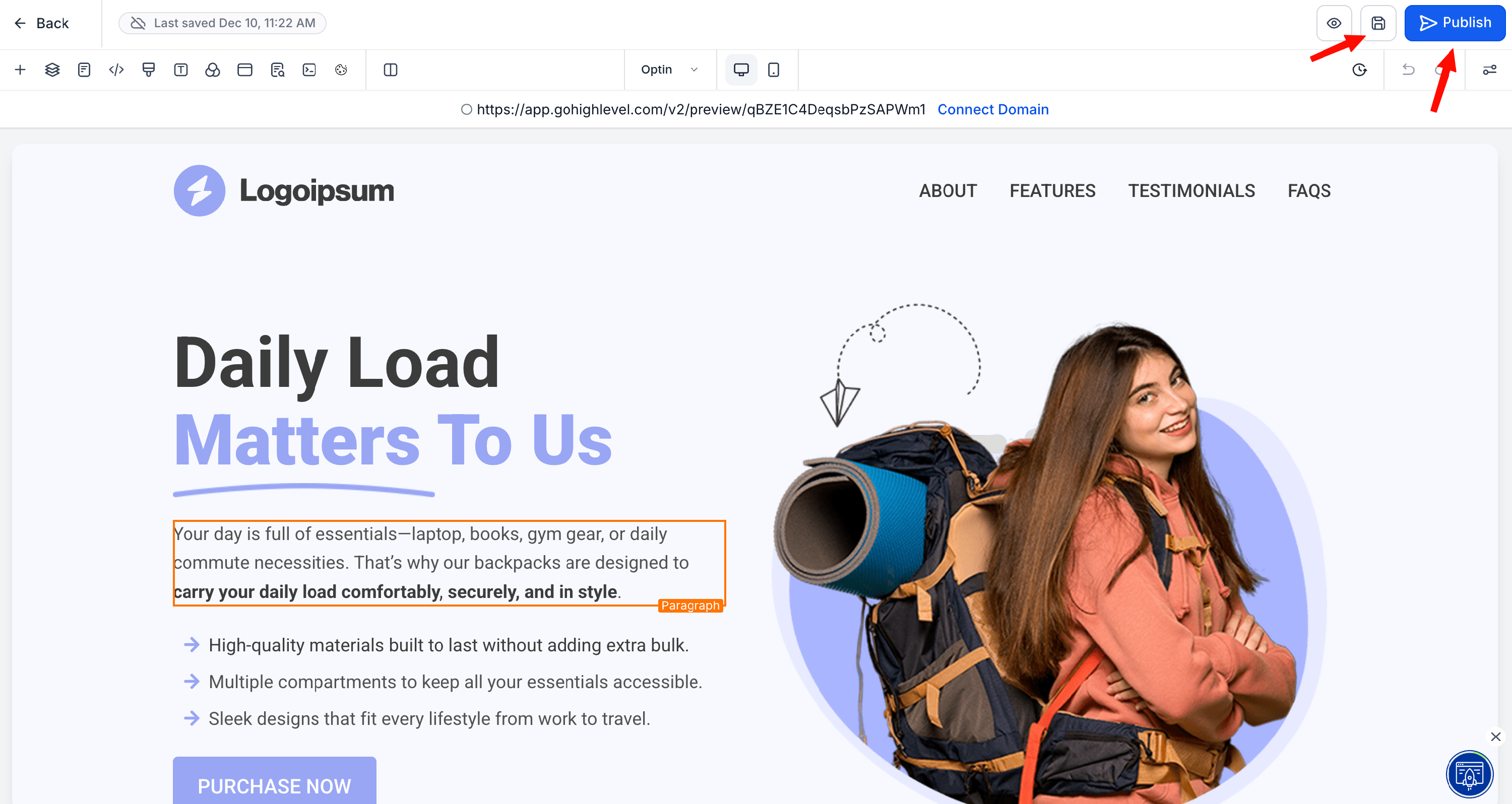
- Save your page and click Publish
Now your snippet is setup and you're ready to start tracking.