How to setup contentgrove tracking in Kit (convertkit)
Learn how to install the contentgrove tracking snippet on Kit (convertkit) to track video engagement and conversions. This guide will show you how to add the tracking code to your Kit landingpage in a few steps.
contentgrove supports tracking on Kit landingpages via Kit's GTM (Google Tag Manager) integration. That means you need to setup your GTM account first, you can find a tutorial on that here.
After you have setup your Tag Manager, you are ready to move forward.
Setup on Kit landingpages
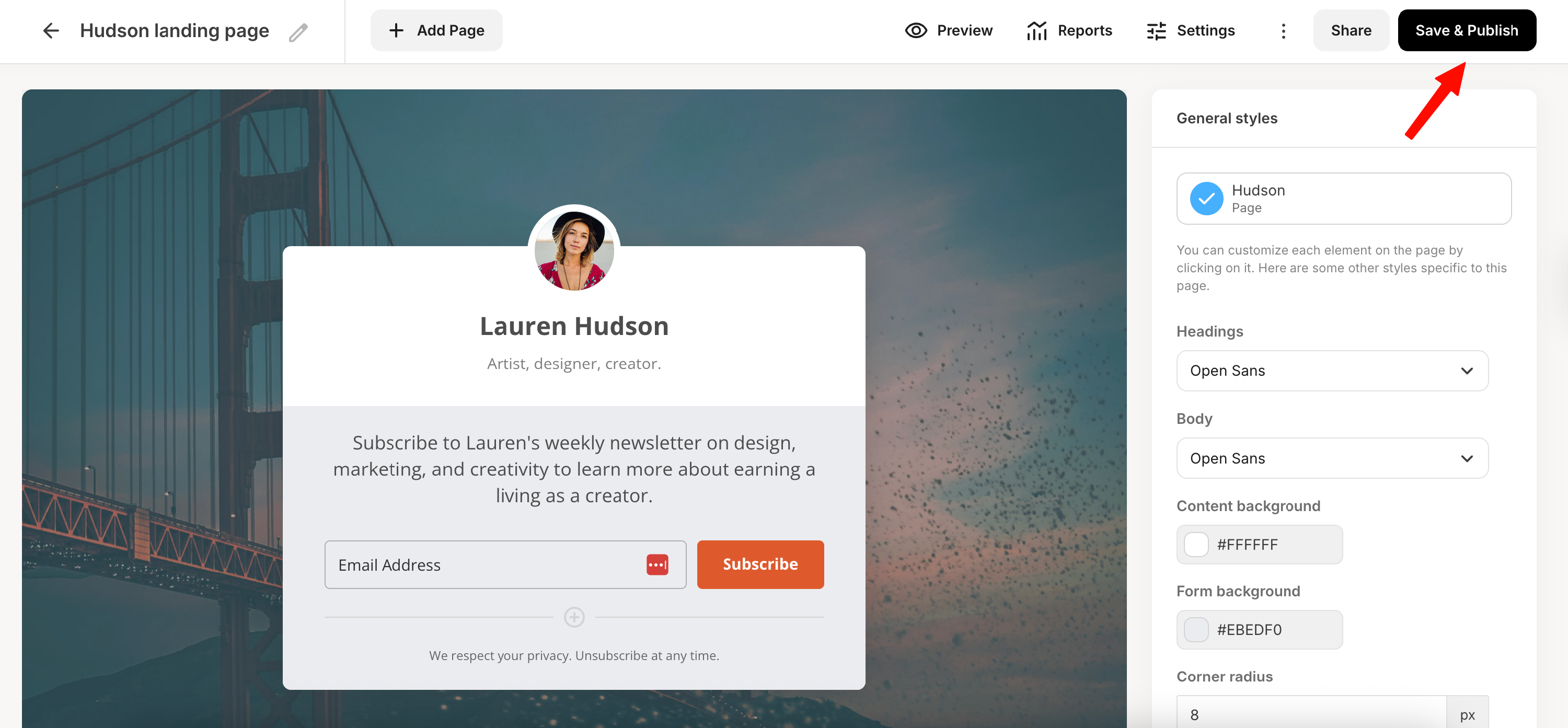
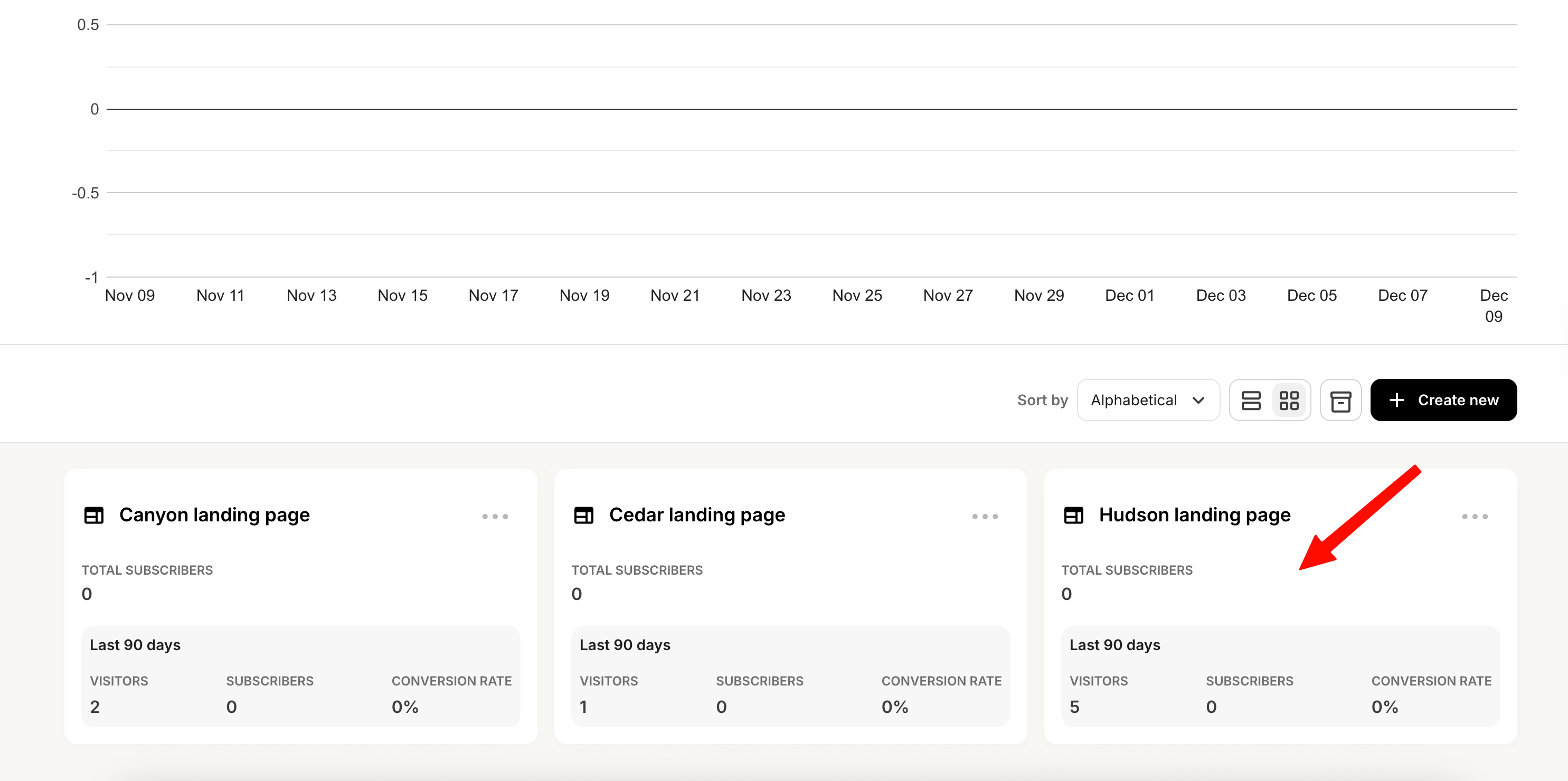
- Go to your Kit account and open the landingpage that you would like to add tracking to. Important: You have to add the GTM code to EVERY landingpage you want to track on Kit.
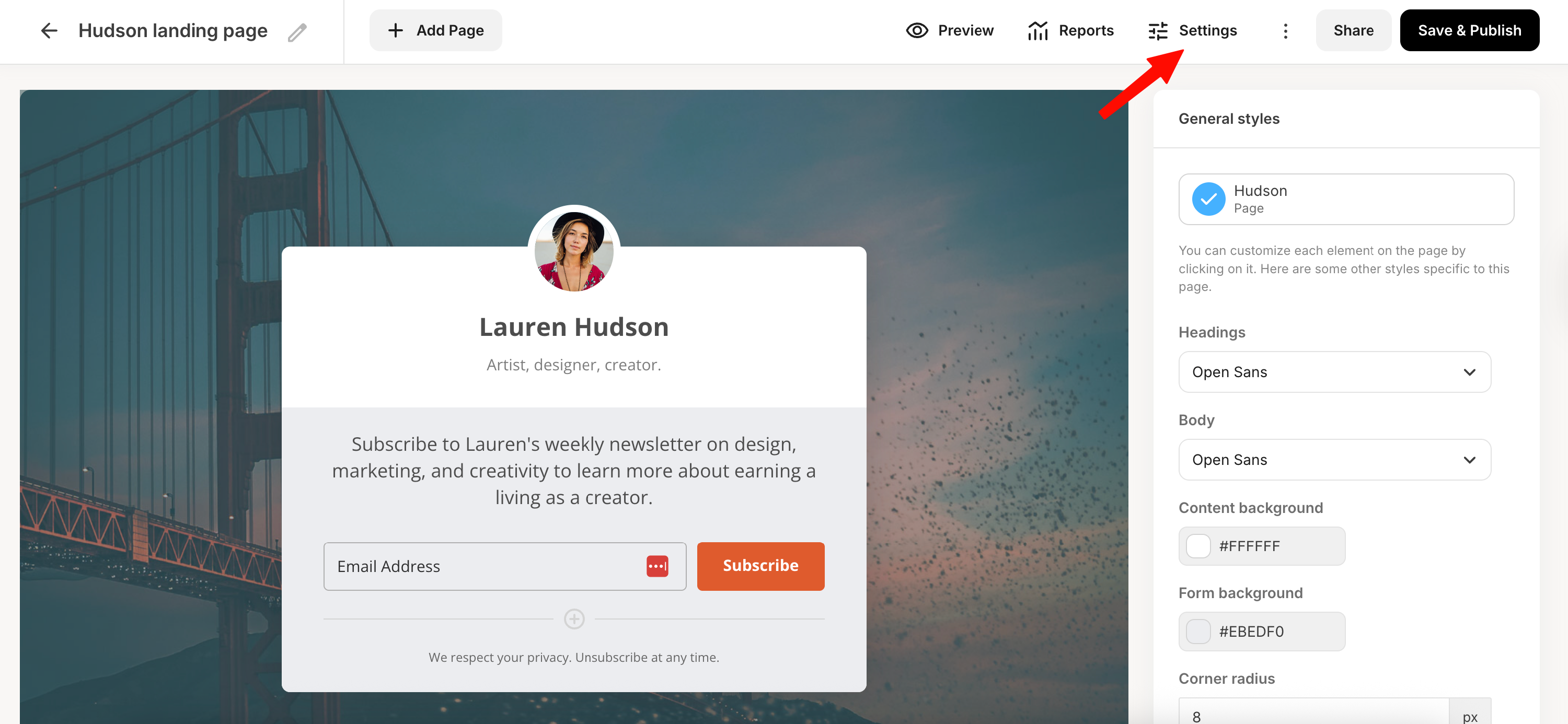
- Open the "Settings" of your landingpage
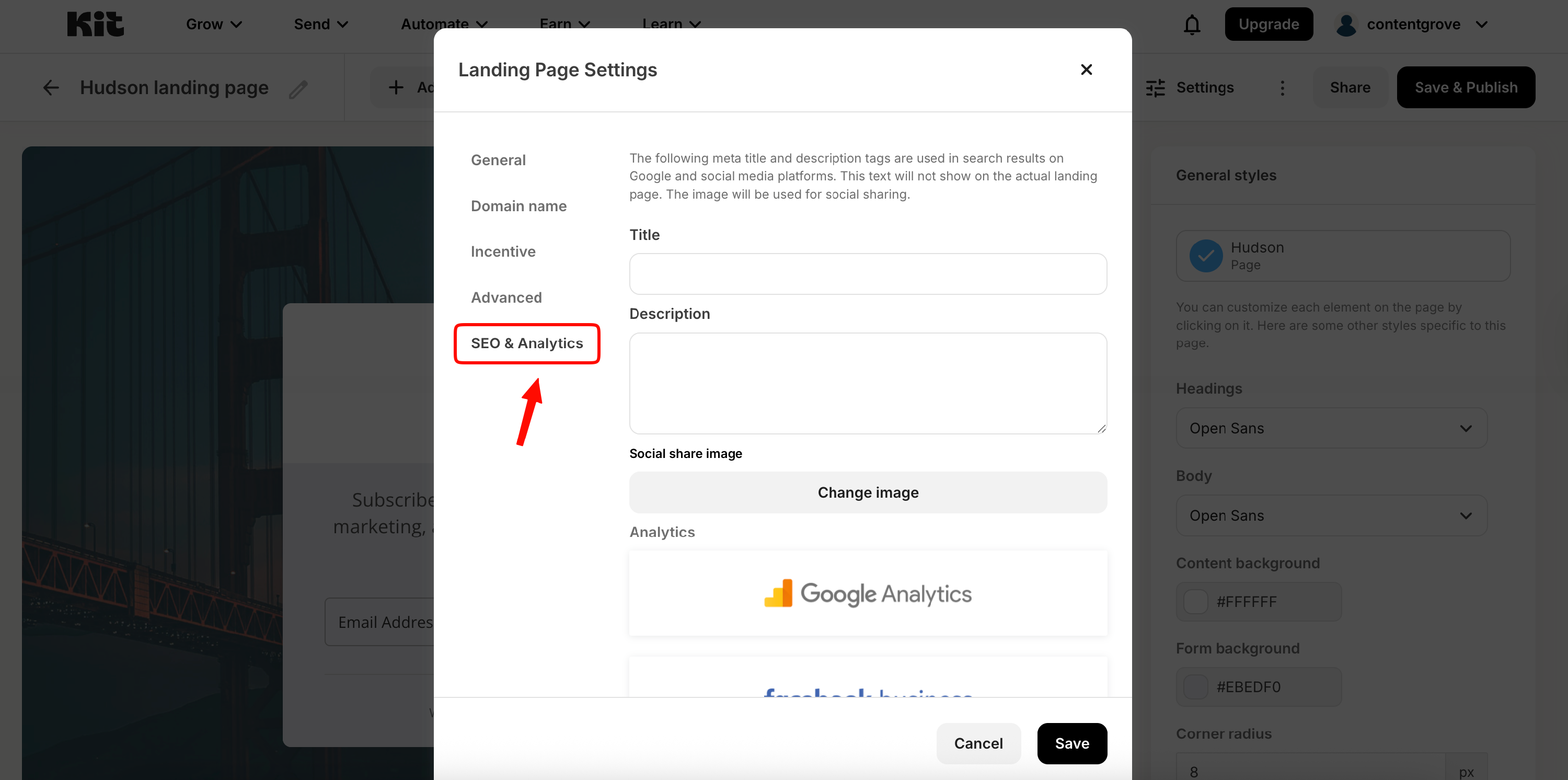
- Open the "SEO & Analytics" tab
- Scroll down to the Google Tag Manager integration and enter your "GTM-xxxxxxx" tag. You can find your GTM tag in your GTM dashboard. Don't forget to click Save
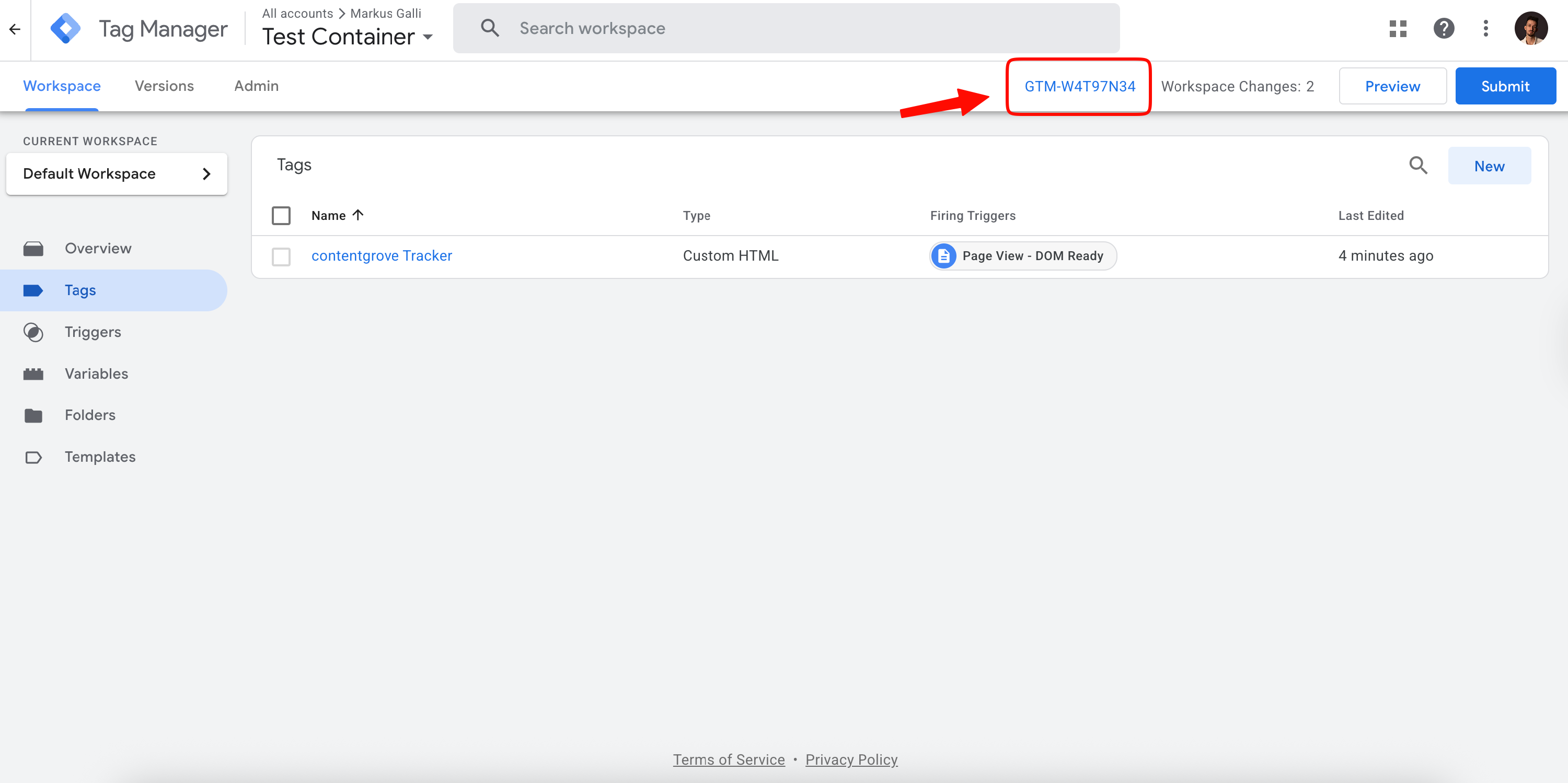
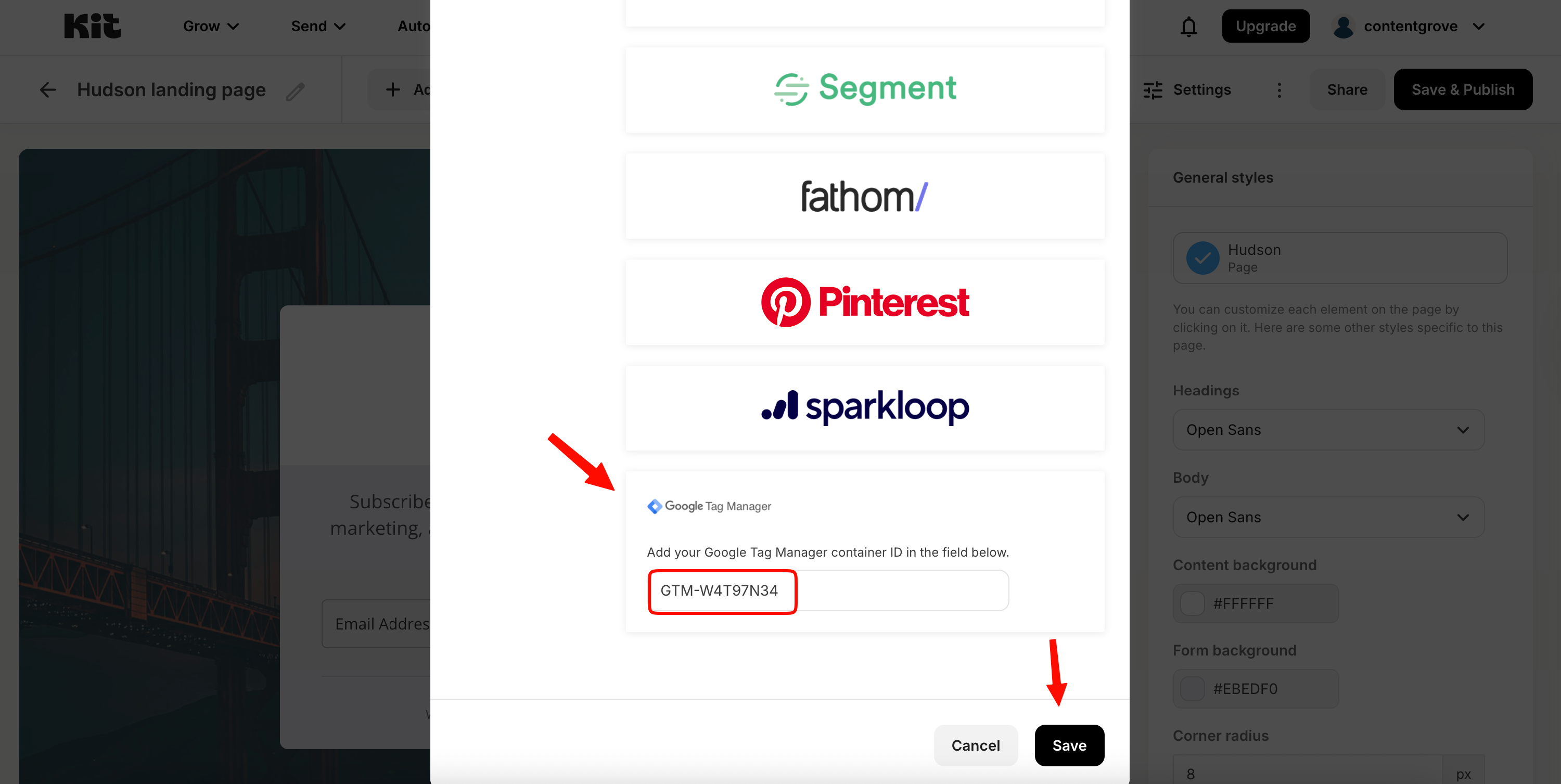
Important: We noticed that Kit adds sometimes an empty space in front of your GTM tag after copying it. Make sure to remove any empty spaces in the text field before saving. Otherwise your GTM integration might not work.
- Click on "Save & Publish" and your Kit landingpage is ready to go