> ## Documentation Index
> Fetch the complete documentation index at: https://help.contentgrove.io/llms.txt
> Use this file to discover all available pages before exploring further.
# Install contentgrove tracking on GoHighLevel
> Add the contentgrove tracking script to your GoHighLevel (GHL) funnels and sites using the footer tracking code setting, so conversions are recorded.
GoHighLevel (GHL) lets you add tracking code to your funnels. You'll paste the contentgrove snippet into the funnel's footer tracking section.
## Add the tracking code
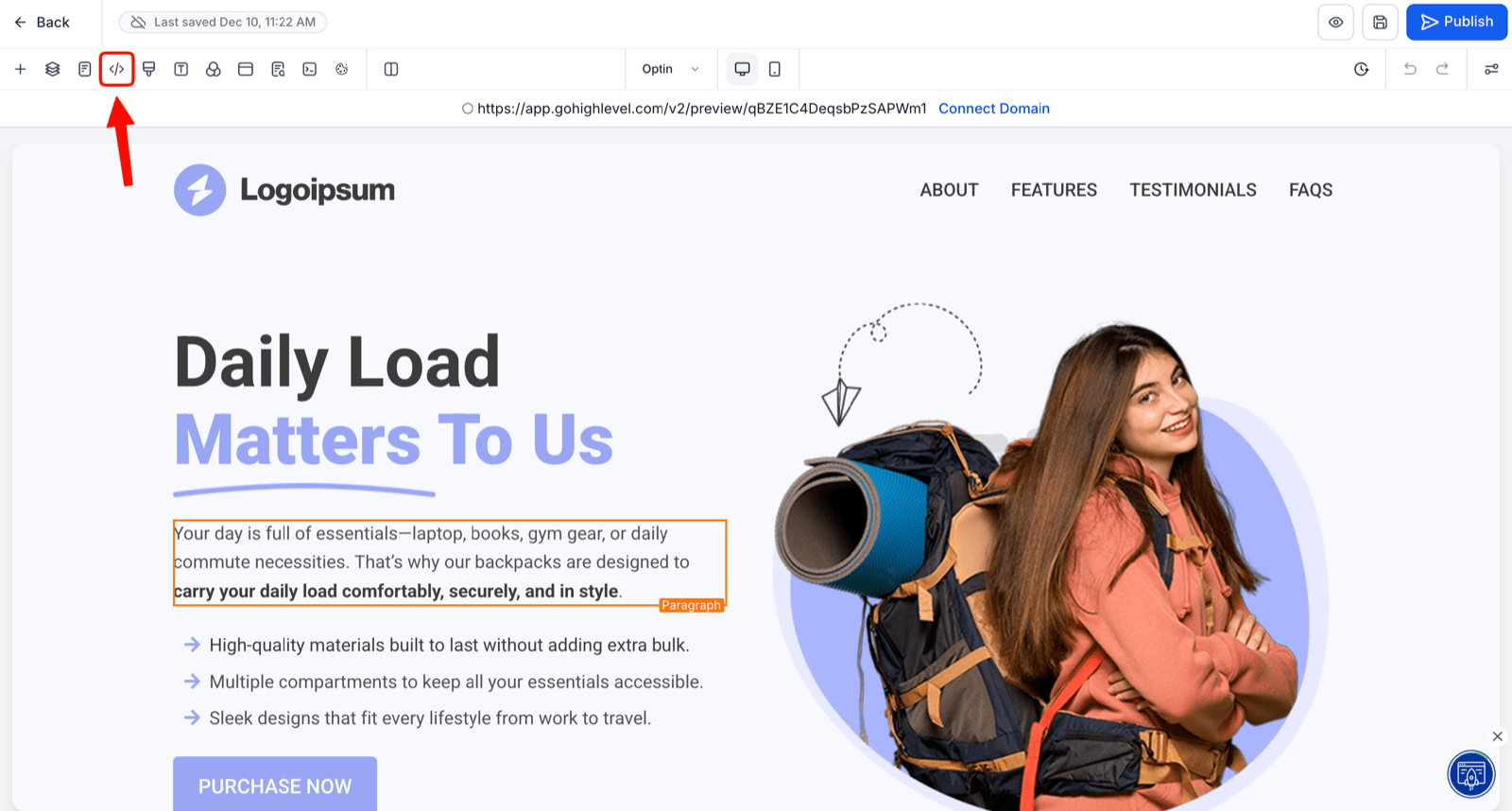
In your GHL funnel, find **Tracking Code** in the upper-left area.
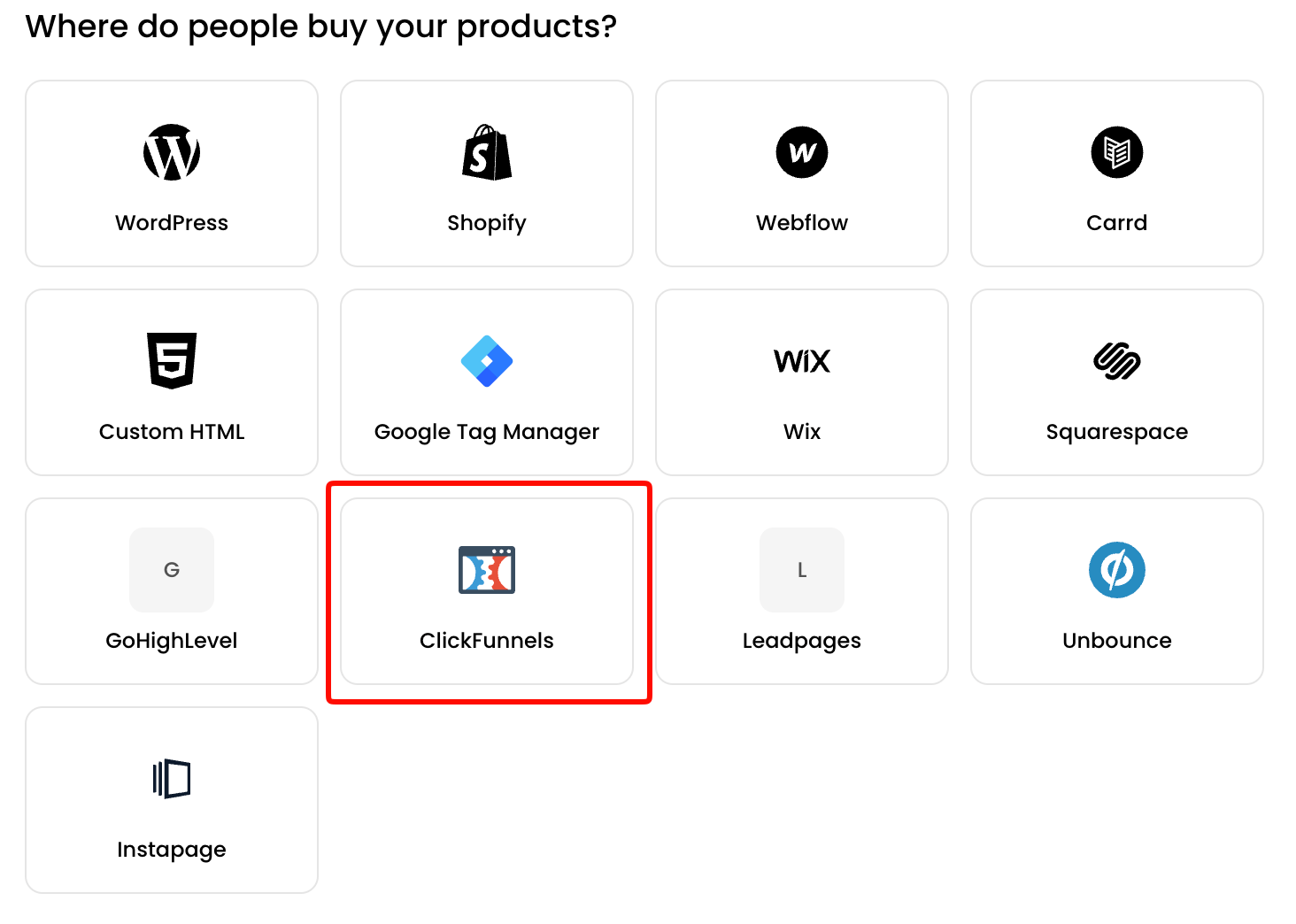
 In contentgrove, open **Settings → Tracking** and copy the **ClickFunnels** tracking snippet (GHL uses the same snippet). See [Install the tracking script](/tracking/install-script).
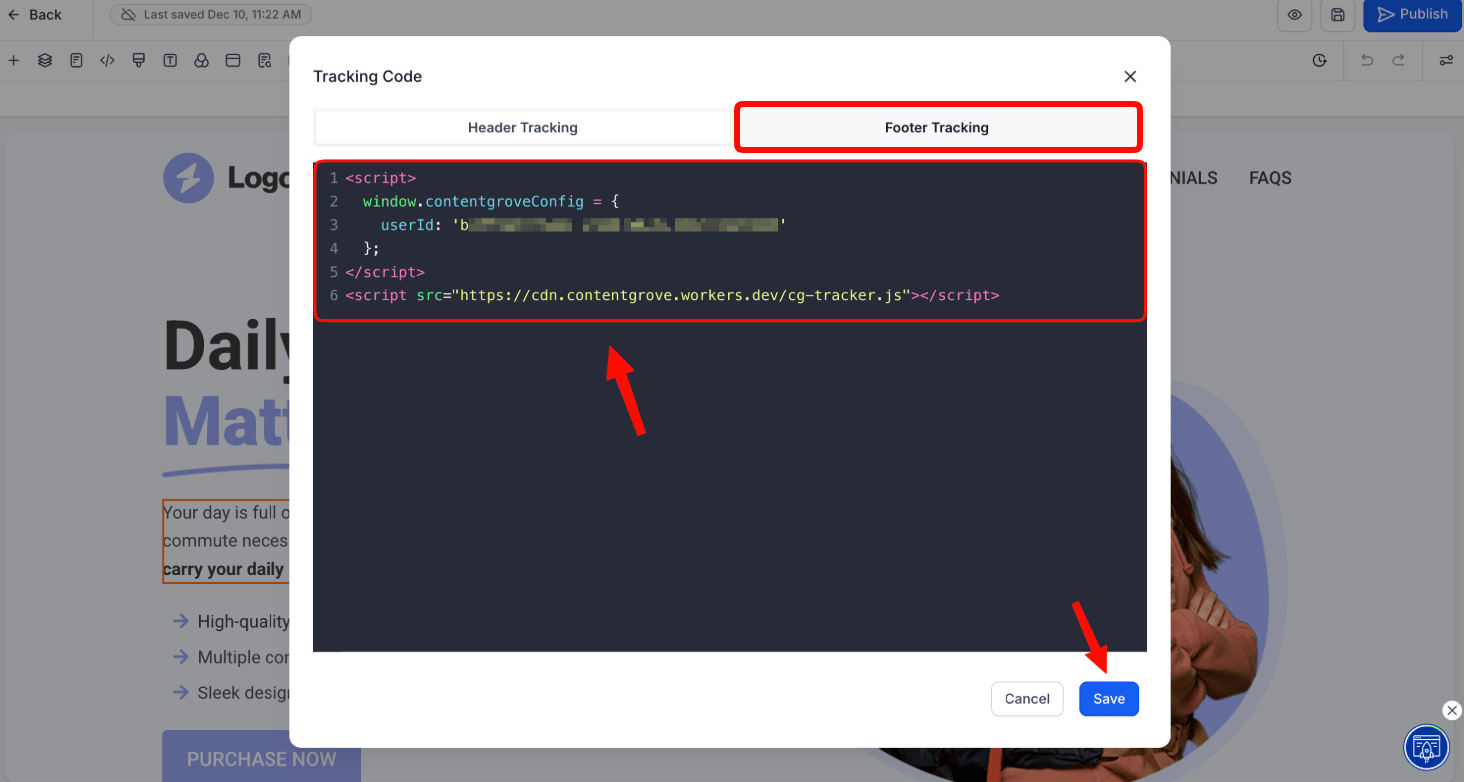
 Paste the snippet into the **Footer Tracking** section and save.
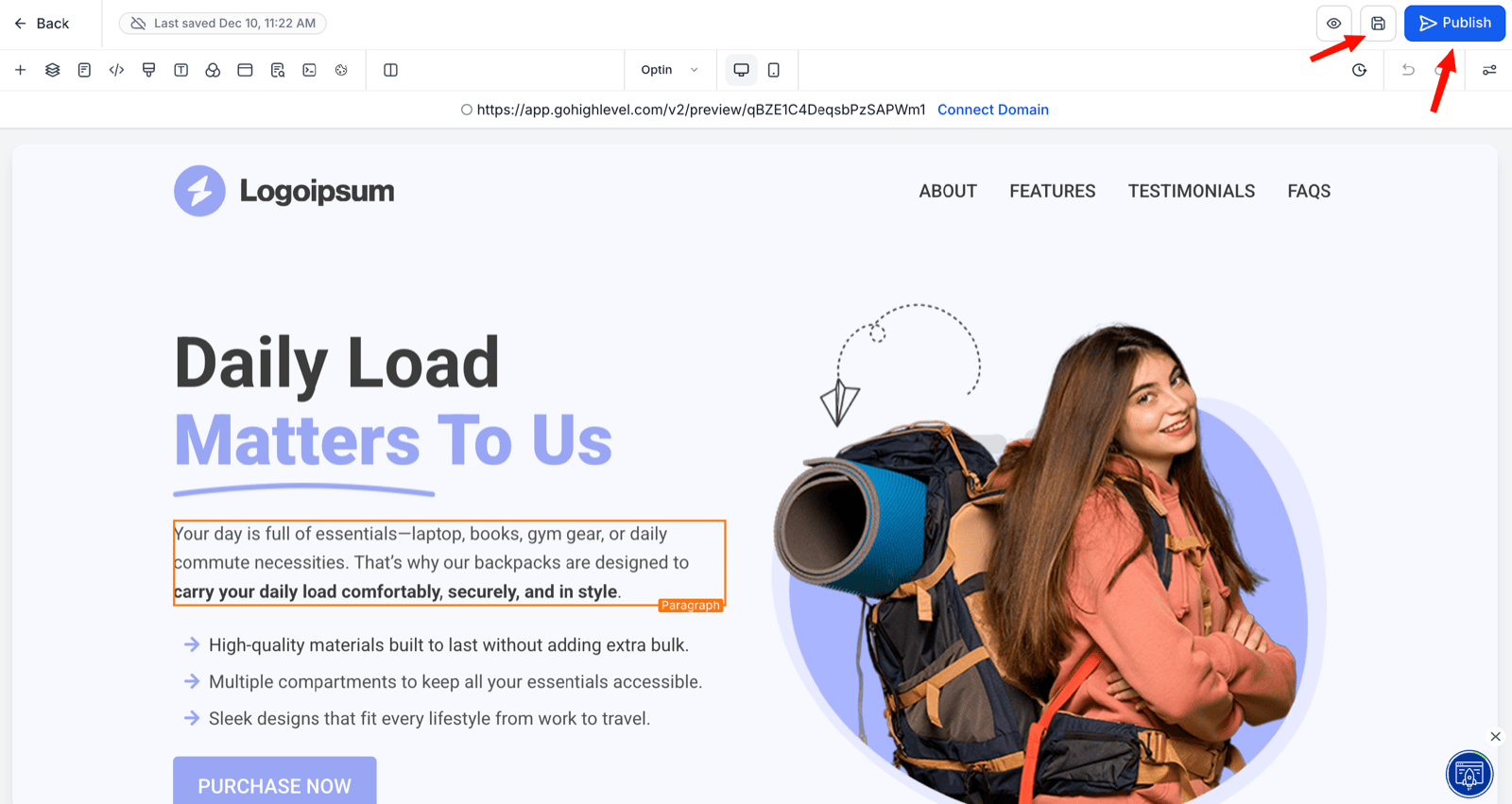
 Save your page and click **Publish** to activate tracking.
 Add the snippet to both the landing page and the thank-you page steps of your funnel so clicks and conversions are both recorded.
Once published, the snippet starts tracking interactions and conversions across your funnel. If tracking isn't recording, see [Tracking isn't recording clicks](/troubleshooting/tracking-not-recording).
Add the snippet to both the landing page and the thank-you page steps of your funnel so clicks and conversions are both recorded.
Once published, the snippet starts tracking interactions and conversions across your funnel. If tracking isn't recording, see [Tracking isn't recording clicks](/troubleshooting/tracking-not-recording).